
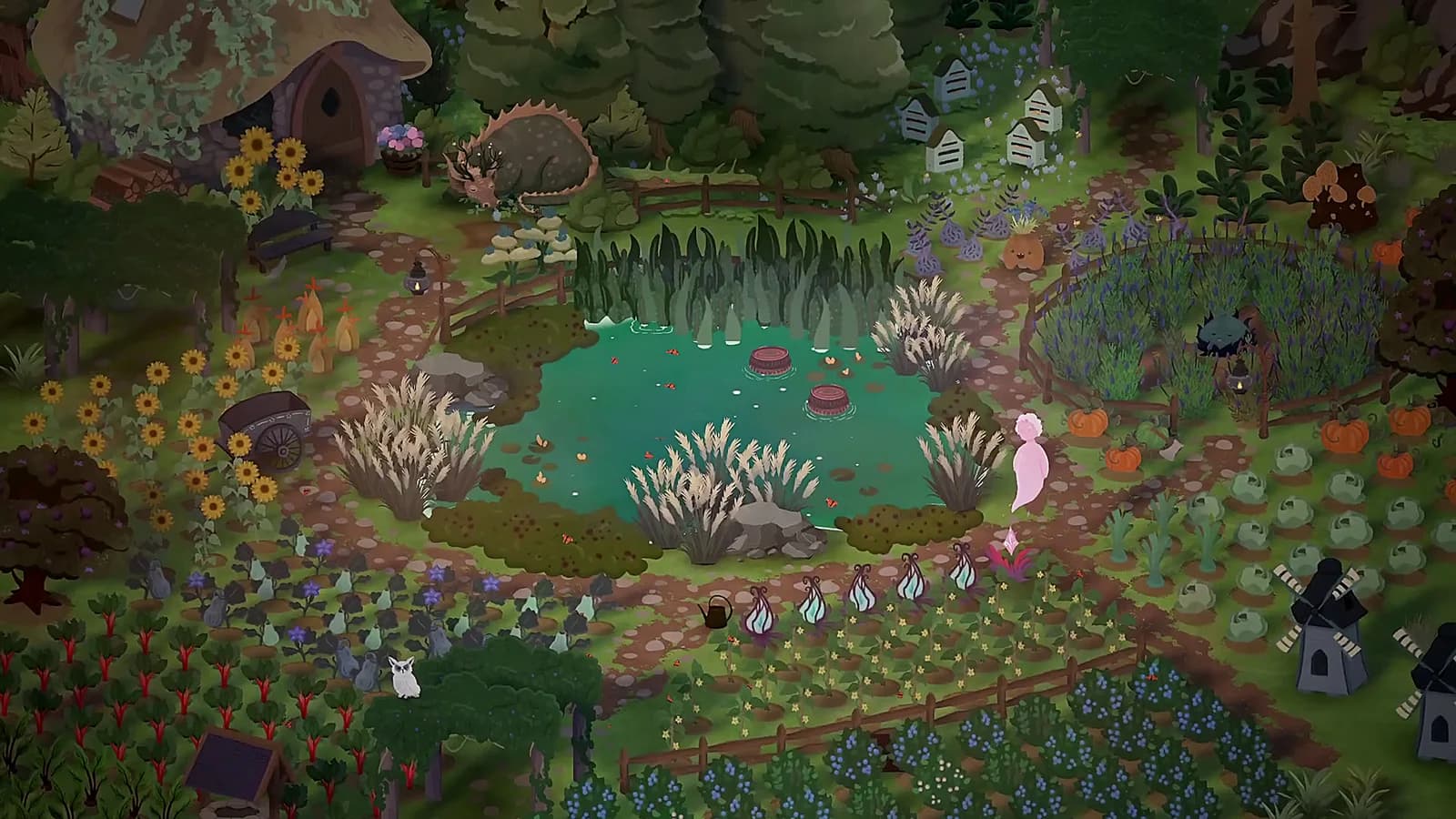
Official garden artwork is contextual only; it does not identify the exact pond interaction or demonstrate a recovery.
What the patch establishes
The named fix is narrowly about a watering can near the player pond. It is useful evidence when an older demonstration freezes there, but it should not be expanded into a general statement that watering never fails. Patch notes document the developer's change, not this wiki's independent reproduction.
The same update adjusted the first song and map text. Those changes do not describe how to acquire the watering can, refill it or target every crop. A complete watering tutorial remains a separate verification task, so this page stays focused on the documented problem.
What to include if it happens again
Write down where you were standing, what you were holding, and the last interaction that still worked. Distinguish a character unable to move from a menu that will not close or an action that simply has no visible effect. State whether input is keyboard or controller and include the installed build.
Keep the only copy of your progress intact. This page does not recommend deleting files, overwriting an older save or using console commands. If restarting is your only option, note whether a recent save is available first. The public feedback channel is for reporting the symptom; it is not a promise of immediate recovery.
Behind this answer
Article reviewed · Demo 0.484
- Demo Version 0.484Eastshade Studios · DEVELOPER · Source checked 2026-09-25 · Official source · 2026-06-13
- DEMO IS OUT!Eastshade Studios · DEVELOPER · Source checked 2026-09-25 · Official source · 2026-04-07
- Songs of Glimmerwick — Steam storeEastshade Studios / Steam · OFFICIAL · Source checked 2026-09-25 · Official source