
Before you begin: use the version you have
The public demo has received several rounds of changes since April. Update it through Steam and use its own tutorials as the first authority for the controls displayed on your device. The control guide lists a few shortcuts explicitly documented by Eastshade; it does not pretend to be a complete keybinding chart.
Check the language and accessibility information before you settle into a long session. Steam advertises eight text languages, English audio and several accessibility categories. The demo gives you a chance to see whether its text, camera and input presentation work for you personally.
Understand the clock before optimizing the day
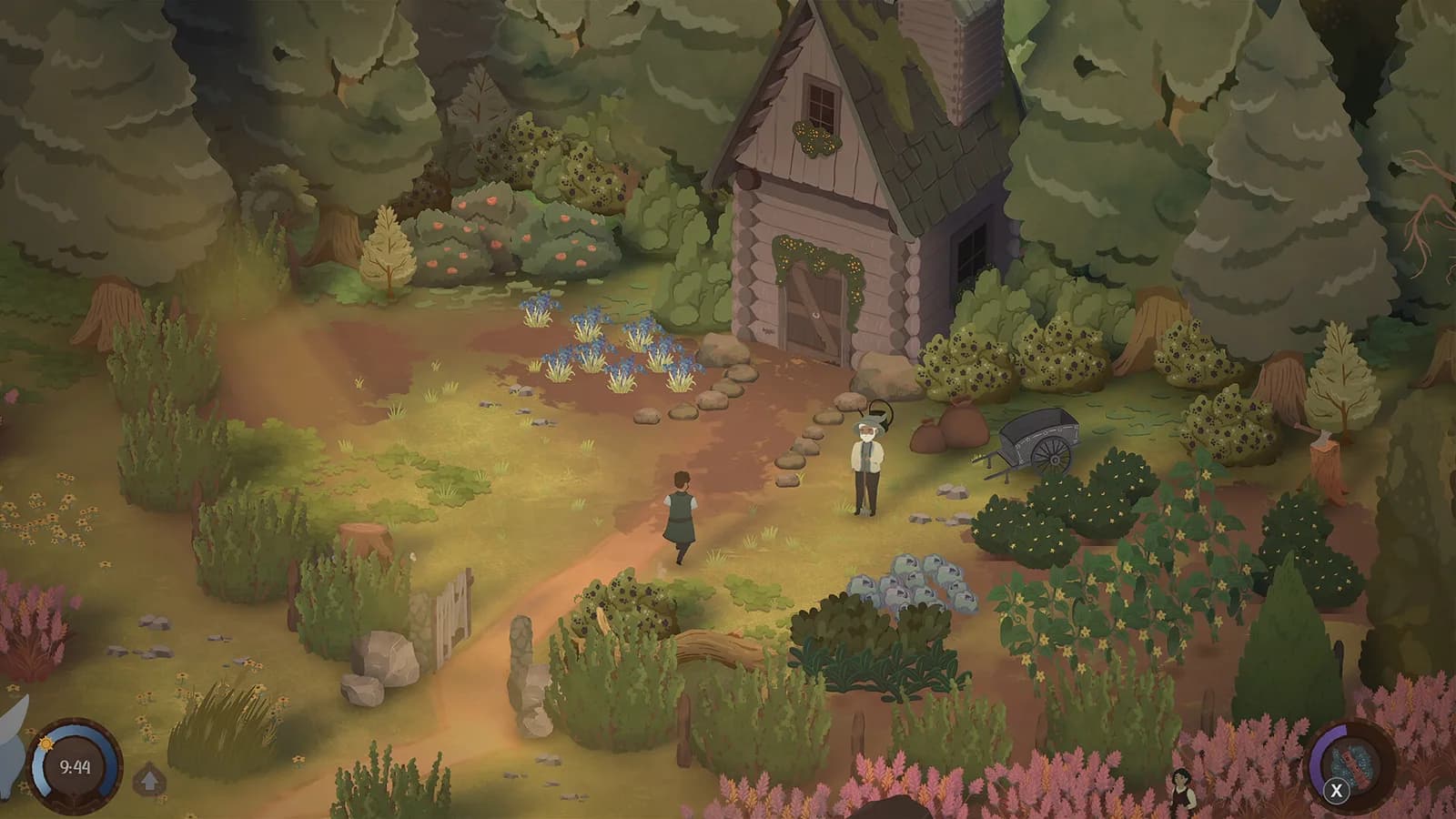
Eastshade’s time devlog says that time freezes during events and every evening. The later demo patch adds pauses in player menus and shops. Ordinary flute mode is intentionally different: entering it does not stop the clock.
This makes a purely real-time farming-sim schedule a poor assumption. Use the game’s own calendar and prompts, then put your intended tasks in the day planner. Our morning, afternoon and evening labels are organizational choices, not verified class periods or a simulation of the in-game clock.
Let the first song be a first attempt
A poor music score is not a requirement to restart your character. The 0.466 tutorial clarification says you do not need stars to cast spells, and the patch added another help layer in the options. The developer later made Song of Tilling easier and reiterated that perfecting songs takes repeated attempts.
If you want to practice, read the practice-room note linked from the music guide. If you are trying to perform a required task, follow the current casting tutorial and its intended target rather than assuming that another star is the missing step. Exact target and input sequences are not verified here.
Use the garden to connect the systems
The university garden is a confirmed part of the game, and songs are advertised as a way to help with tools and rain. Learn what the current tutorial asks you to do before making a production plan. We do not yet have a verified table of growth days, yields or crop prices.
For a small first-session plan, write down the garden task the game has actually given you, one class or event you want to attend, and one place you want to revisit. A flexible note is more reliable than an invented optimal schedule. Leave room for exploring the story.
Keep a recognizable stopping point
Eastshade intends the demo save to continue into the full game. Note the character and progress you want to carry forward, and avoid deleting that save merely because the demo has reached its endpoint. The checklist is a reminder system; it does not back up files.
This guide is a synthesis of public official information, not a claim that we have completed the demo. For exact quest steps or a specific blocked interaction, use the latest official patch notes and report the build involved. The strongest early advice is to match your information to your version.
Behind this answer
Article reviewed · Pre-release / official public sources
- Demo Version 0.465Eastshade Studios · DEVELOPER · Source checked 2026-09-25 · Official source · 2026-04-11
- Demo Version 0.466Eastshade Studios · DEVELOPER · Source checked 2026-09-25 · Official source · 2026-04-14
- Demo Version 0.464Eastshade Studios · DEVELOPER · Source checked 2026-09-25 · Official source · 2026-04-09
- Devlog #4 | World First Design and Time in Glimmerwick!Eastshade Studios · DEVELOPER · Source checked 2026-09-25 · Official source · 2024-05-08
- Demo Version 0.484Eastshade Studios · DEVELOPER · Source checked 2026-09-25 · Official source · 2026-06-13
- Songs of Glimmerwick in Next Fest!Eastshade Studios · DEVELOPER · Source checked 2026-09-25 · Official source · 2026-06-15
- Songs of Glimmerwick — Steam storeEastshade Studios / Steam · OFFICIAL · Source checked 2026-09-25 · Official source